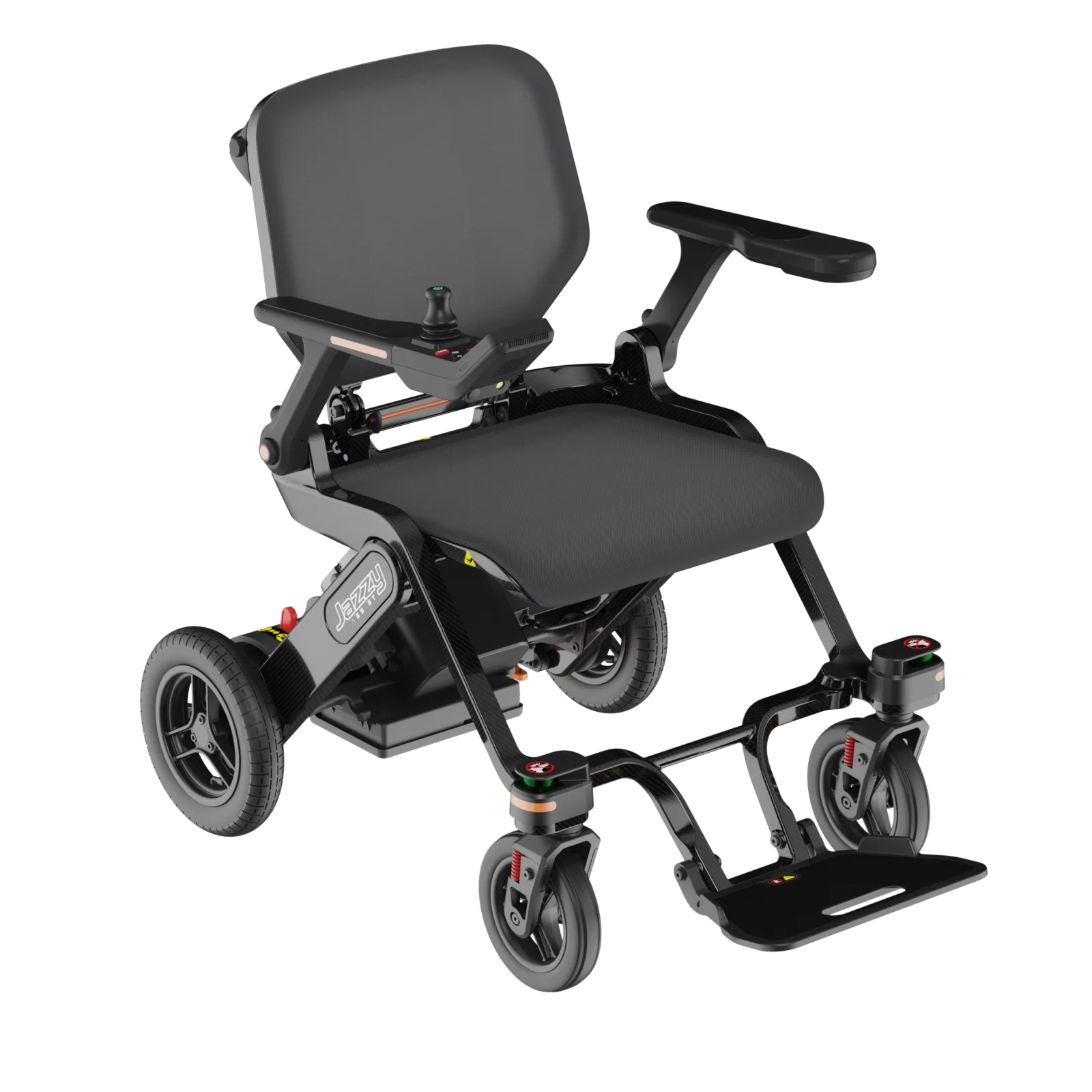
Cameras, LiDAR and turning assistance, explained.
Understand what each feature is intended to do, and what to ask before relying on it.
Read the guide
Think about the places you go and the things you do. Explore the options at your own pace.
Explore help with doorways, reversing and calling for support. Check which features come with the model you are considering.
Ask about the trigger, recipient, connection, delivery confirmation and fallback. Confirm whether any monitored response service is included; do not assume it is.
Ask whether the function assists steering, only warns, or intervenes in motion. Check doorway conditions, user override and limitations for the exact model and market.
Distinguish a warning from automatic slowing or stopping. Request a demonstration of the exact function, its operating conditions and how the user stays in control.
Ask what is detected, in which directions, and whether the system only warns you or also changes chair movement. Confirm limitations with the supplier.
A rear-view image helps you see behind the chair. It does not establish that the chair detects obstacles or brakes automatically. Confirm the supplied display and camera configuration.
We do not yet have enough published information to match these choices. Try fewer filters, or explore the guides below while you gather the details.
Explore specifications and compare configurations. Request current local specifications and pricing from a supplier.
Understand what each feature is intended to do, and what to ask before relying on it.
Read the guideA closer look at assisted movement, and what to try in the spaces you use every day.
Read moreHow does an alert reach someone you trust? A few useful things to understand before choosing a chair.
Read more