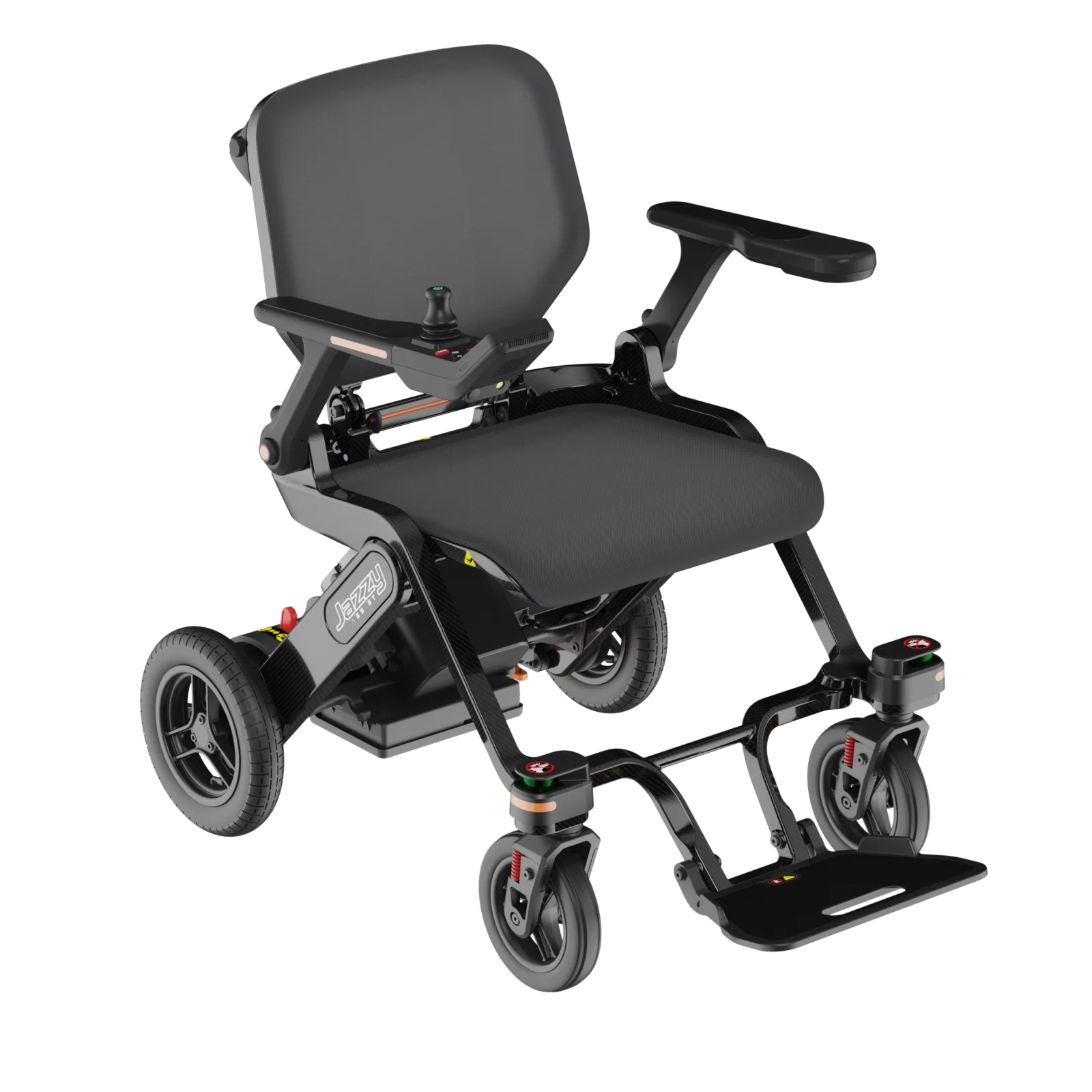
Steps drawn from Permobil's official FAQ and the M3 Corpus user manual's troubleshooting section. Procedures describe Permobil chairs; other brands follow similar principles but consult your own manual.
Won't start? Run these checks in the manufacturer's order
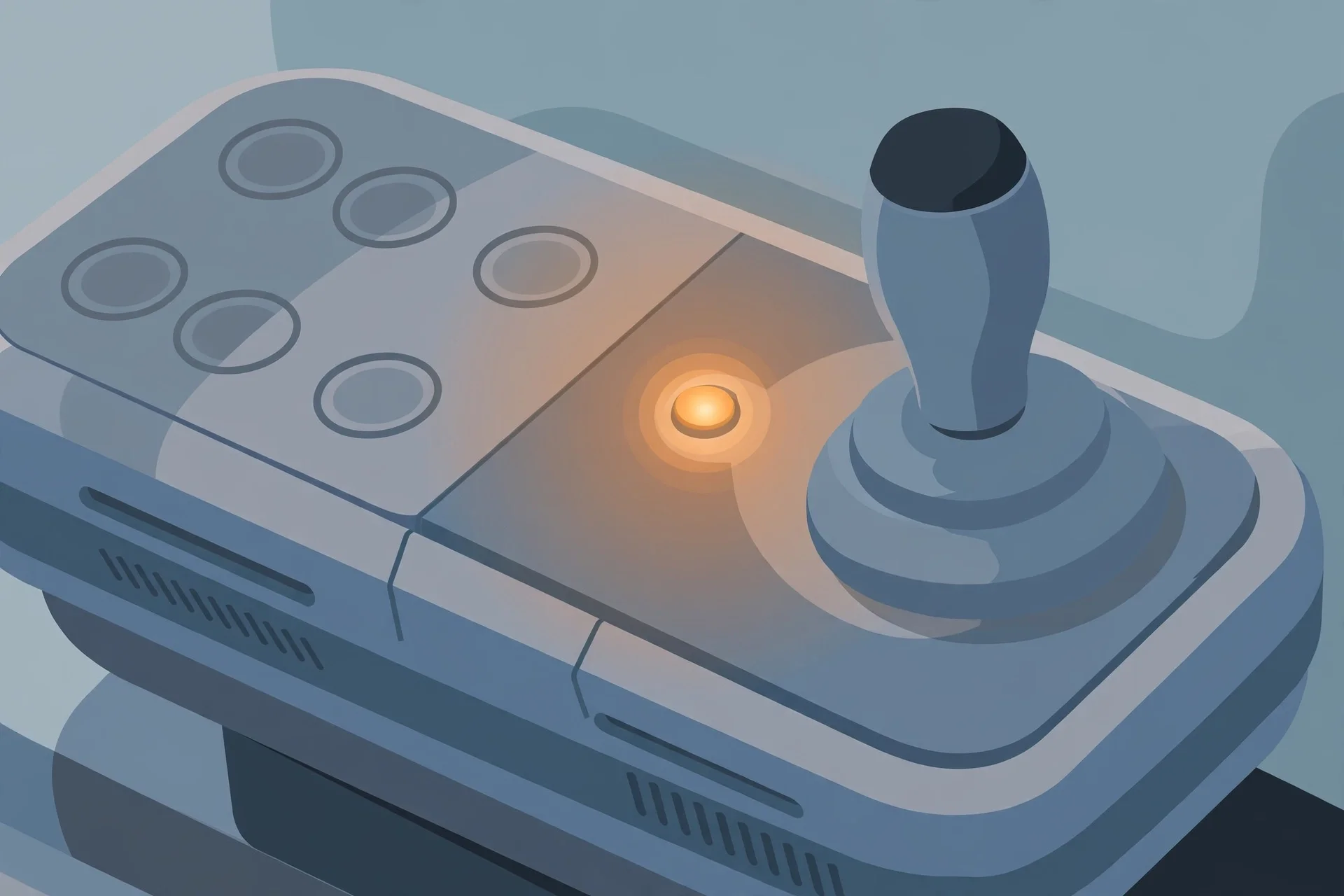
Permobil's user manuals and official FAQ list the same no-start causes across their powerchair range, and the sequence is deliberate – easiest and most common first, so work through it in order rather than jumping to conclusions. First, check the batteries. If they are discharged, charge them fully with the manufacturer's charger before doing anything else; a chair that sat unused for weeks may simply be flat, and Permobil notes that a full charge can take 8–12 hours, so an overnight charge is the real test, not a twenty-minute top-up. Use only the charger supplied with the chair – the wrong charger is a safety issue as well as a warranty one. Second, check the cable to the control panel. The joystick pod connects to the chair through a cable that can work loose, especially after the chair has been transported in a vehicle; push it firmly and fully back into the control panel until it seats. Third, check the main circuit breaker. It may have been switched off deliberately – during transport or storage, for example – in which case turn it on following your manual's instructions for your model. Fourth, if the breaker has tripped, reset it once. 'Once' is the operative word in every manual: a breaker that trips again immediately is telling you there is a fault downstream, and repeatedly resetting it is not a fix, it is a way to turn a small fault into a larger one. Permobil's manuals add a related set of causes for a chair that powers on but will not drive, and these catch people out regularly: the charger is still connected (most chairs refuse to drive while plugged in as a safety interlock – disconnect it), the chair is in freewheel mode (the levers that disengage the motors for manual pushing – exit freewheel and restart the chair), the chair is electronically locked (unlock it from the control panel), a seat function has triggered drive inhibit (return the seat, backrest and legrests to their normal driving positions), or the motors are too warm after a long climb (switch off and let them cool). The seat-inhibit one deserves emphasis: elevating or reclining the seat can automatically cut drive or restrict speed as a built-in safety feature, so a chair that 'won't move' after you adjusted the seat is usually doing exactly what it was designed to do – put the seating back to driving position and try again.
Won't charge, stopped mid-drive, or driving slower than usual
Charging problems have their own short list, and it overlaps with the no-start list. If the chair will not charge, check the main breaker is on, then check the charging circuit breaker – if it has tripped, wait five minutes and it resets automatically; this one is designed to be self-resetting, unlike the main breaker. Make sure you are using the manufacturer's own charger, that the charging plug is fully seated in the socket (usually on the joystick pod), and that the wall socket itself is live – it sounds obvious, but switched-off wall sockets account for a real share of 'charger fault' calls. If the chair shut off while you were driving, the usual suspects are a tripped main breaker (reset once, then call for service if it trips again – a breaker that trips under load is reporting a problem) or energy-saving mode, which powers the chair down after a period of inactivity to protect the batteries; pressing the start button wakes it, and this is normal behaviour, not a fault. If the chair stopped because the motors overheated on a long climb, switch off and wait for them to cool before continuing, and consider a less steep route – repeated thermal cutouts shorten motor life. A chair driving slower than usual is often a seat-position issue rather than a fault at all: when the seat is elevated, most powerchairs automatically limit speed for stability, because the higher centre of gravity increases tip risk on uneven ground or during turns. Return the seat to its driving position and normal speed should restore itself; this limitation is a built-in safety feature and cannot be switched off, so do not ask your dealer to disable it. Weather matters too, and this is straight from Permobil's official guidance: their chairs handle light rain but are not waterproof, so avoid heavy rain and puddles, wipe the chair down with a dry cloth if it gets wet, and never charge it until it is completely dry. Cold weather reduces battery performance and can lengthen charge times, so store and charge indoors at around room temperature – about 20°C – rather than in an unheated garage, and expect reduced range on freezing days as normal. One more charging nuance from the official guidance: Permobil's AGM batteries are maintenance-free, which means there is nothing to top up – but 'maintenance-free' does not mean 'neglect-proof'. The habits that actually determine battery lifespan are daily charging with the correct charger, allowing the full charging time rather than interrupting it, and avoiding full discharges. A battery that has been deeply discharged and left flat for weeks may not recover, and no amount of troubleshooting will revive a battery at the end of its chemical life – typically a few years depending on use. If your chair is several years old and range has been shrinking for months before the no-start morning, suspect the batteries first and budget for replacement rather than chasing phantom electrical faults.
When to stop troubleshooting and call for help
The manuals draw a hard line, and you should respect it. Permobil's M3 Corpus user manual states plainly that troubleshooting and repairs of the electronics must always be performed by qualified personnel with good knowledge of the wheelchair's electronics, and that you should contact your service provider or Permobil technical support whenever the guide does not resolve the problem. The manual also warns that its troubleshooting guide cannot describe every possible fault – it covers the common ones, and anything beyond them belongs to a technician. In practice, call your dealer or authorised service centre when any of these apply: the main breaker trips repeatedly; the chair shows a joystick or control-system error you cannot clear; there is visible damage to cables, connectors or the joystick pod; the chair behaves erratically – lurching, pulling to one side, cutting out under load; the batteries no longer hold a charge despite correct charging; or any fix would require opening panels, touching wiring, or using programming tools. If you bought through a dealer, contact them directly – they are best equipped to help, they hold your service history, and warranty terms usually require authorised service anyway. If you own the chair outright, the manufacturer's technical support team handles non-urgent queries by email and urgent ones by phone; keep your model name and serial number handy before you call, because the first thing any support desk asks is what chair you have. A few habits prevent most of these calls from ever being needed: charge the battery every evening even after light use, keep the joystick and connectors clean and dry, check tyres and casters weekly for wear and embedded debris, listen for new squeaks or grinding that signal something wearing, and have the chair serviced by an authorised dealer at least once a year. The ten minutes of checks in this guide fix the majority of no-start mornings; everything beyond them belongs to someone with a multimeter, a service manual, and the training to use both safely. A final note on the service relationship: the best time to find a service provider is not the morning the chair dies. When you acquire a chair – new or second-hand – register it with the dealer or manufacturer, note the service centre's phone number and email somewhere you can find them without the chair (your phone contacts, a card in your wallet), and ask about service plans or annual check-up reminders. Authorised dealers can also update firmware and run diagnostics you cannot, and the annual service is where developing problems – wearing motor brushes, ageing batteries, loosening connectors – get caught before they become a no-start morning. The troubleshooting in this guide is for the acute failure; the service relationship is what prevents most of them.