Troubleshooting steps cross-checked against Pride Q6 Edge technical manual procedures and two independent maintenance guides
In brief
- Always power on with the joystick centered, and check for system lock mode (key icon) before assuming a fault.
- Clean the joystick boot, reseat its cable, and rule out battery or freewheel issues before anything else.
- Persistent error codes, damaged wiring, or heat mean stop and call a qualified technician.
First: the 60-second checks
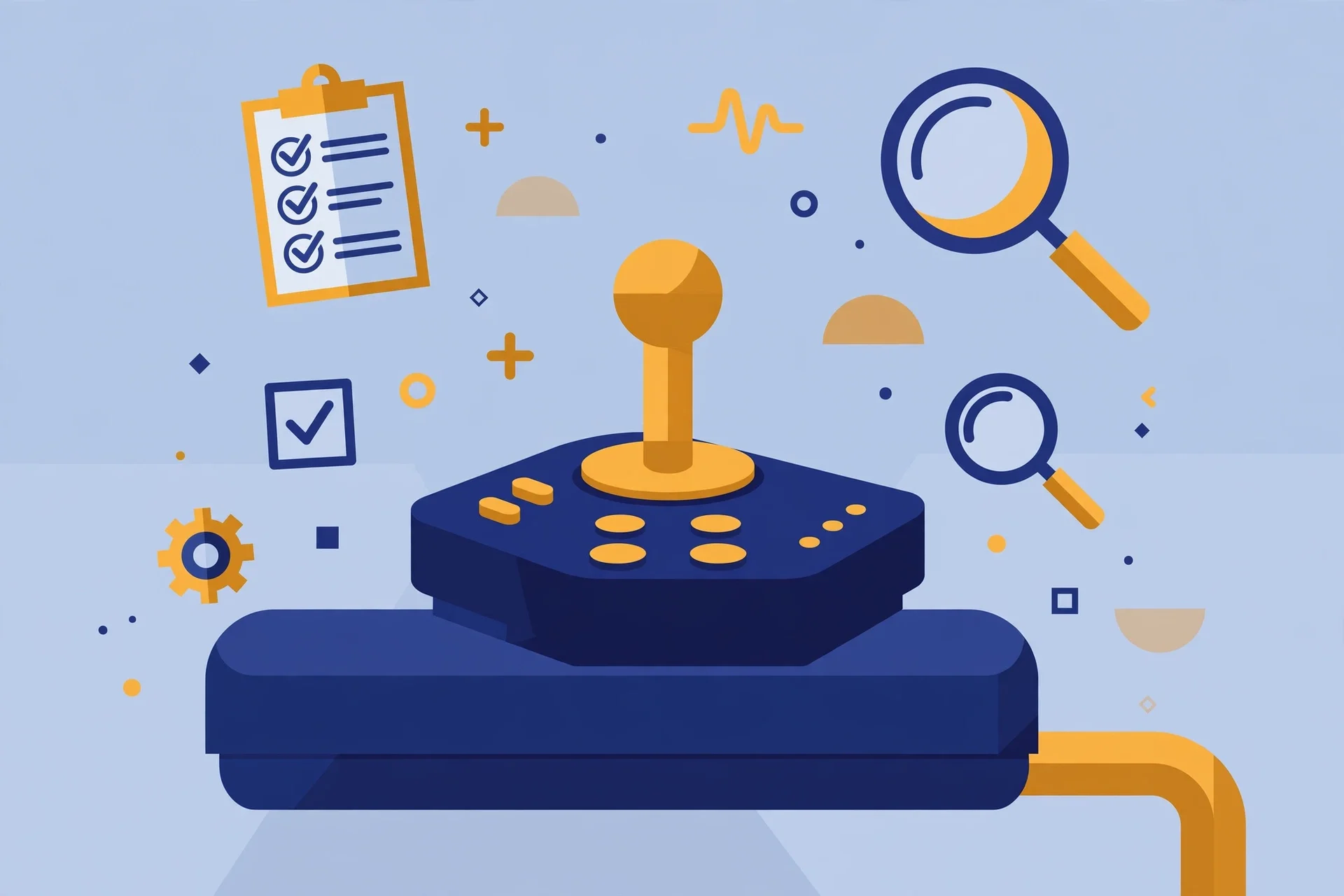
Start with the simplest causes. Many controllers raise a fault if the joystick is deflected when the chair powers on: switch the power off, let the joystick spring back to its neutral center position, then switch on again. Next, check whether the chair is in system lock mode — on several Pride models, for example, a key icon on the display means the joystick is locked; the unlock sequence is to power on, push the joystick fully forward until you hear a beep, pull it fully back until a second beep, then release. Also confirm the battery is charged, the charger is unplugged, and the freewheel or brake-release levers are fully engaged — a chair left in freewheel mode will not drive no matter what the joystick does.
Common causes and fixes
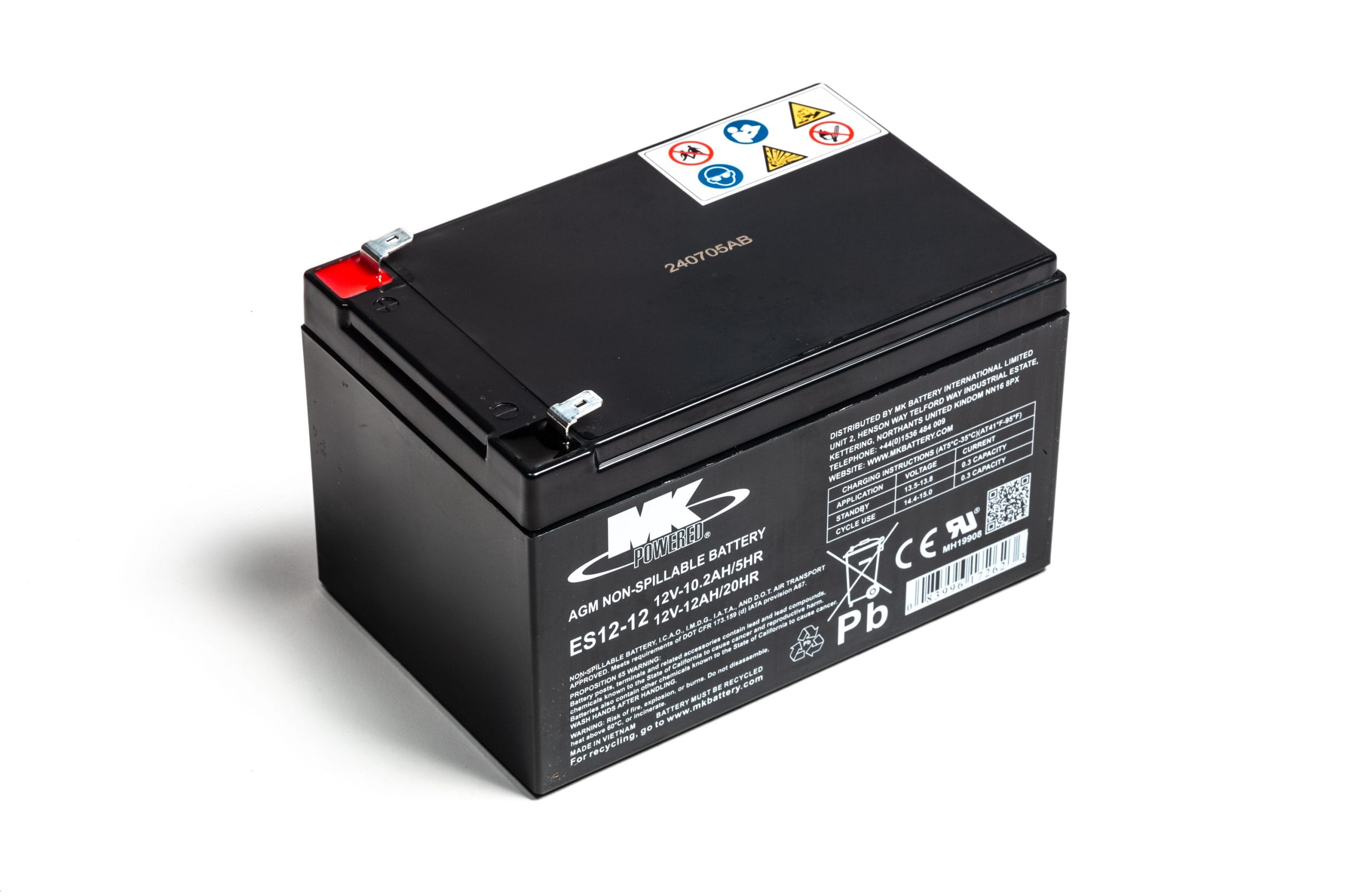
If the quick checks do not help, work through the usual suspects. Dirt and debris: dust collects around the joystick boot and makes it sticky or unresponsive — wipe it clean gently and keep the area dry, since moisture can short the electronics. Loose connections: the joystick talks to the controller through a cable, so inspect it for fraying and make sure the plug is fully seated. Calibration drift: a joystick that veers or feels uneven may need recalibrating or a system reset, following your owner's manual. Battery problems in disguise: a weak or failing battery often shows up first as sluggish or erratic control response, so do not assume the joystick is at fault until the battery is known good. Water exposure: if the joystick got wet, power the chair off and let it dry completely before using it again.
When to stop and call a professional
Some faults are not DIY jobs. Call your dealer or a qualified technician if error codes persist after a full power cycle, if you find damaged or frayed wiring, if the joystick feels physically loose or the housing is cracked, or if you notice heat or a burning smell. Do not open the controller housing yourself and never bypass safety interlocks to force the chair to move. Note the exact error code or warning light pattern before you call — it helps the technician diagnose the fault faster and bring the right parts.