General guidance across Quantum Rehab/Pride and Permobil power wheelchairs; exact controls and profiles vary by model and controller. Manual excerpts verified from manufacturer PDFs on 2026-10-17. Programming guidance applies broadly; always follow your own chair's owner manual and provider.
What Speed Settings on a Power Wheelchair Actually Are
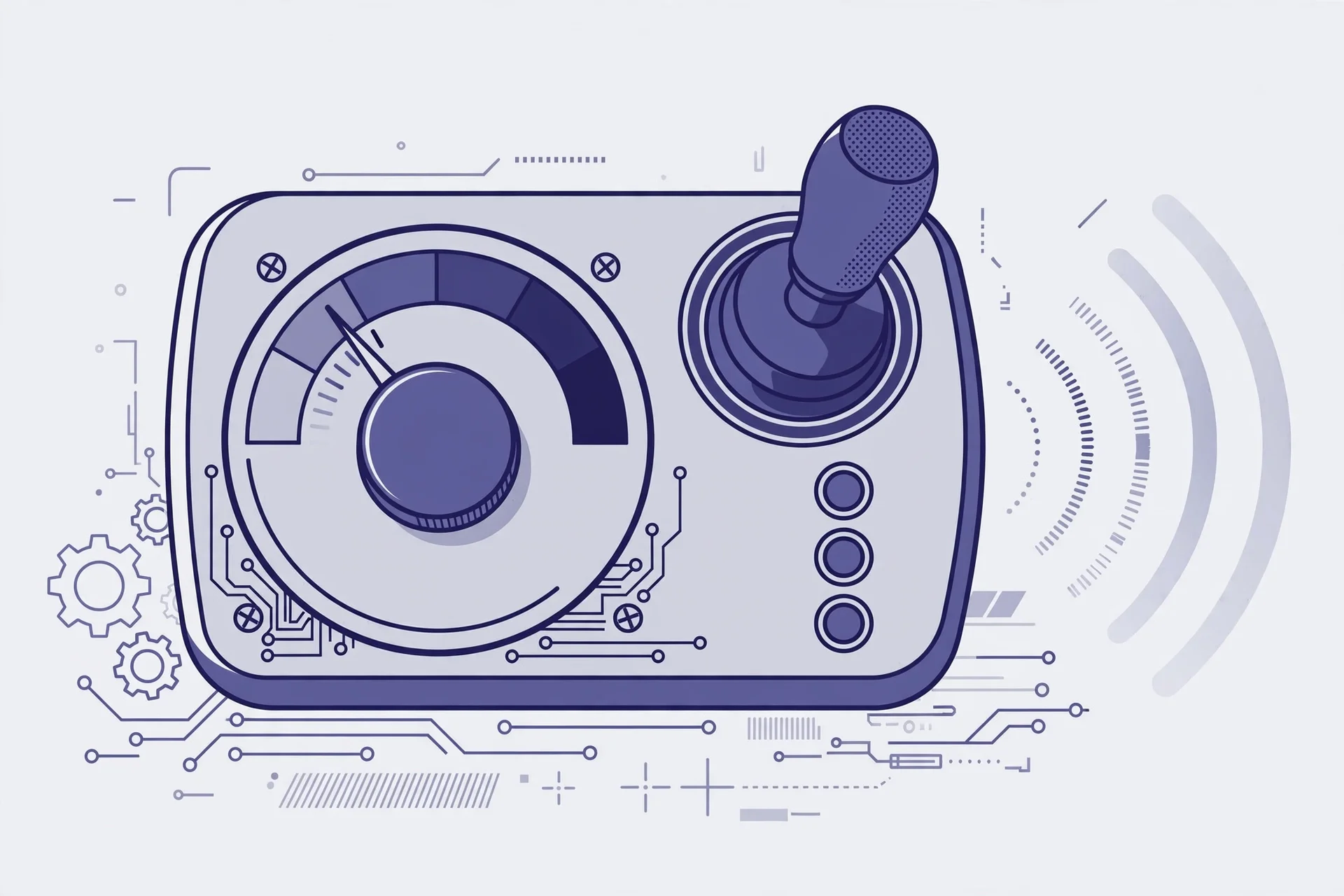
Most power wheelchairs give you two layers of speed control, and they are easy to mix up. The first layer is the one you use every day: the joystick and the speed selector on your controller. On the Q-Logic 2 controller used across Quantum Rehab power chairs, moving the joystick farther from its neutral center position makes the chair move faster in that direction, and a speed adjustment knob lets you raise or lower the overall speed on the fly — pressing the knob up increases speed, pressing it down decreases it. Permobil control panels use the same idea with dedicated buttons: one decreases maximum speed, the other increases it.
The second layer sits behind those everyday controls. Many chairs store several drive profiles — preset packages of speed, acceleration, and responsiveness — that you can switch between with a mode lever or dedicated keys. On the Q-Logic 2, Key 1 selects drive profile 1, Key 2 selects the seating functions, and the on/off and mode select lever is used to step through drive profiles. That is why the same chair can feel calm in one mode and brisk in another even though you have not touched the speed knob: each profile carries its own programmed behavior.
What Dealer Programming Changes Behind the Scenes
Underneath the controls you touch lies a set of programmed limits that only your provider or a trained technician can change. Pride Mobility's Q-Logic 2 documentation describes the controller as a fully programmable, modular electronic controller system. It leaves the factory pre-programmed to meet a typical user's needs, and any deeper change is made with a personal computer running the controller manufacturer's software or with a hand-held programmer supplied by the controller manufacturer.
That programming is where the real speed and behavior settings live. According to the same documentation, the controller program can affect speed, acceleration, deceleration, dynamic stability, and braking. Maximum speed per drive profile, how quickly the chair ramps up when you push the joystick, how firmly it stops, and how it behaves in turns are all set at this level. Because these settings shape safety-critical behavior, the manual is explicit: only the power chair manufacturer, an authorized representative of the manufacturer, or a trained service technician should program the controller. Programming outside the safe limits determined with your healthcare professional can create a dangerous situation.
Permobil makes the same point in different words. Its M1 user manual reminds users that the power wheelchair is a complex medical device prescribed by a healthcare provider and configured to meet the user's needs, and it warns against modifying the wheelchair or its components — setting up, modifying, and repairing the wheelchair requires special skills, training, and knowledge.
When to Ask Your Provider to Reprogram Your Chair
Most of the time, the speed selector on your controller is all you need. But there are situations where the underlying programming no longer fits, and that is when your provider earns their keep. If the chair feels too fast even at the lowest speed setting, or too slow when you need to keep up outdoors, the programmed limits may need adjusting. Jerky starts or abrupt stops can signal that the acceleration or deceleration settings no longer match your abilities. A change in your condition, a new seating system, or a shift between mostly indoor and mostly outdoor use are also reasonable reasons to ask for a re-tune.
Treat reprogramming as a service appointment, not a settings menu. Your provider has the tools and the training, and will normally work within the limits your clinician considers safe. Before the visit, note what bothers you — which drive profile, which speed range, in which environment — and bring that list along. That detail helps the technician adjust the right parameter instead of guessing.