Airbnb accessibility features and Adapted Category as described on Airbnb's official newsroom and host resources; filter counts and verification process per Airbnb's published materials.
Use the filters, then verify everything
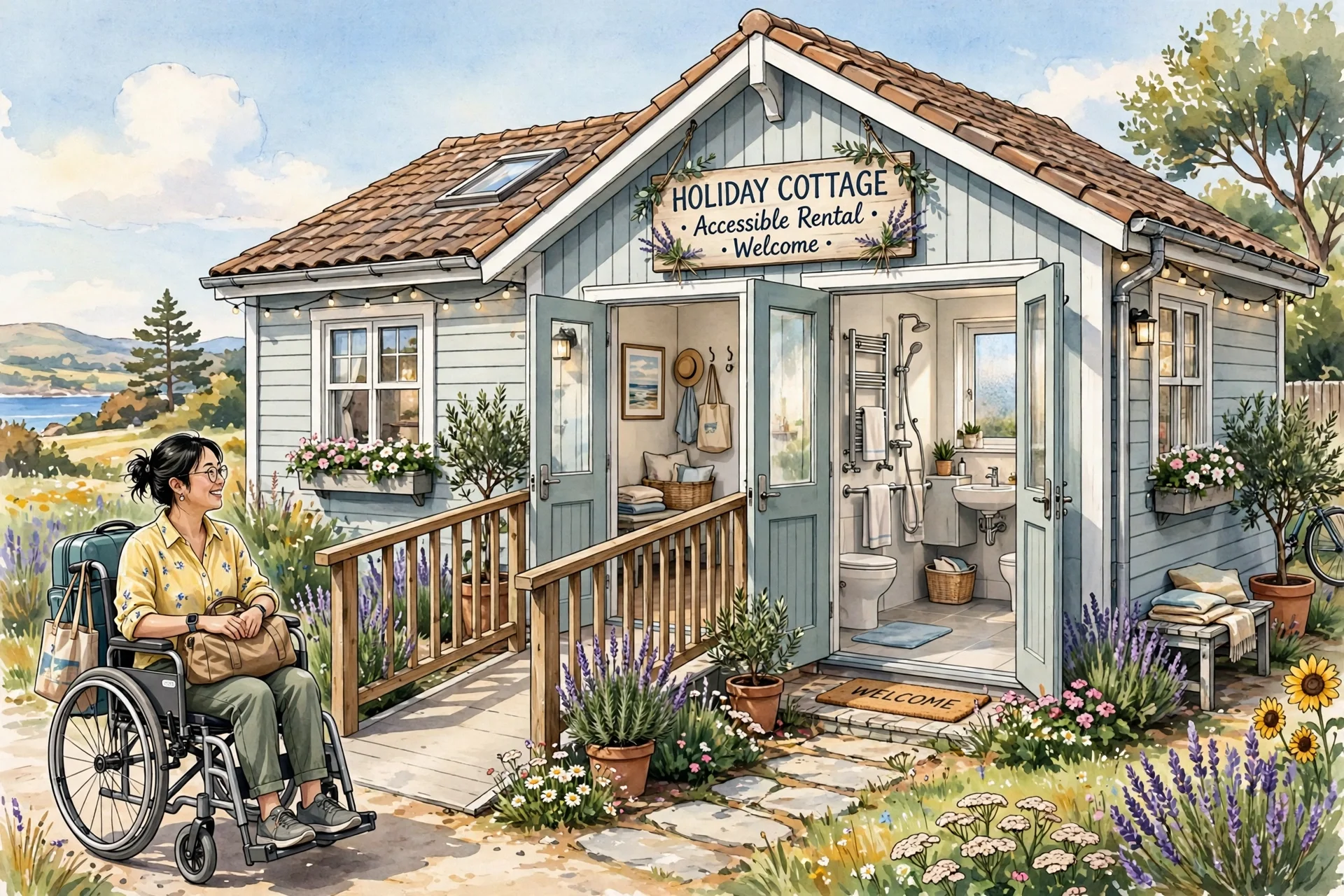
Start with Airbnb's accessibility search filters: step-free access to the entrance, guest entrances wider than 32 inches (about 81 cm), accessible parking, and bathroom features such as a roll-in shower or grab bars are among the 13 filters guests can apply. Also browse the Adapted Category — homes here have had a detailed 3D scan to confirm accessibility features, with key details like doorway widths displayed. But filters are only as good as the listing behind them. Airbnb requires hosts to upload a photo of each accessibility feature they claim, and agents manually review those photos before the feature appears to guests — so open the photos and check the features yourself: look at the actual step at the entrance, the real width of the bathroom door, and whether the “accessible” bathroom has the grab bars you need.
Questions to message the host
Before booking, message the host with specifics — they are the best source of detail, and their answers create a written record. Ask: the exact width of the narrowest doorway on your route through the home; whether there are any steps or lips between the parking spot, entrance, bedroom and bathroom; the turning space in the bathroom and whether the shower is genuinely step-free; the bed height and whether there is clearance underneath for a hoist if you use one; and how you enter if you arrive after dark (key box height, lighting on the path). Ask for a short video walkthrough if the photos leave gaps. If the host is vague or slow to answer, treat that as information and keep looking.
Protecting the booking
Book places with clear cancellation terms until the access details are confirmed, and keep the host's written answers in the message thread. On arrival, do a quick access check before unpacking — entrance, bedroom, bathroom — while you still have daylight and options. If the home does not match what was advertised, document it with photos immediately and contact the platform's support; accessibility features that were shown on the listing but are missing on arrival are exactly the kind of discrepancy support teams are set up to handle.